Tecno Bd3 Da File «FRESH | Hacks»
Before initializing any software repair procedures on your Tecno BD3, prepare your workspace with these necessities:
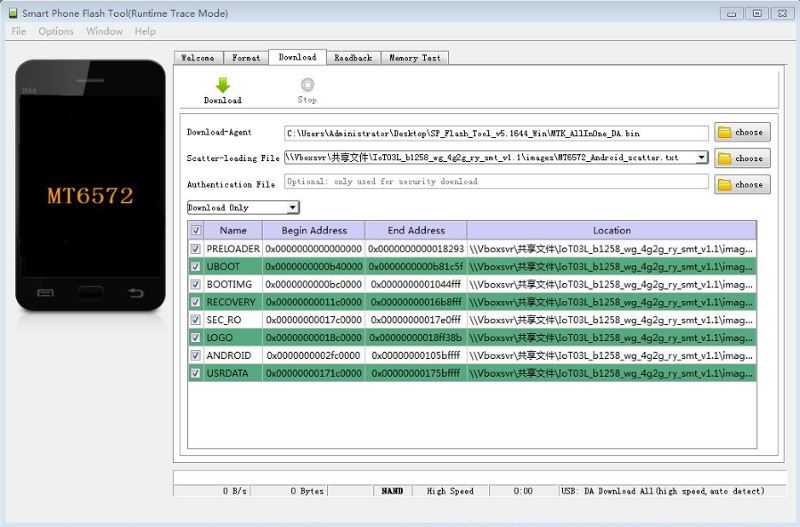
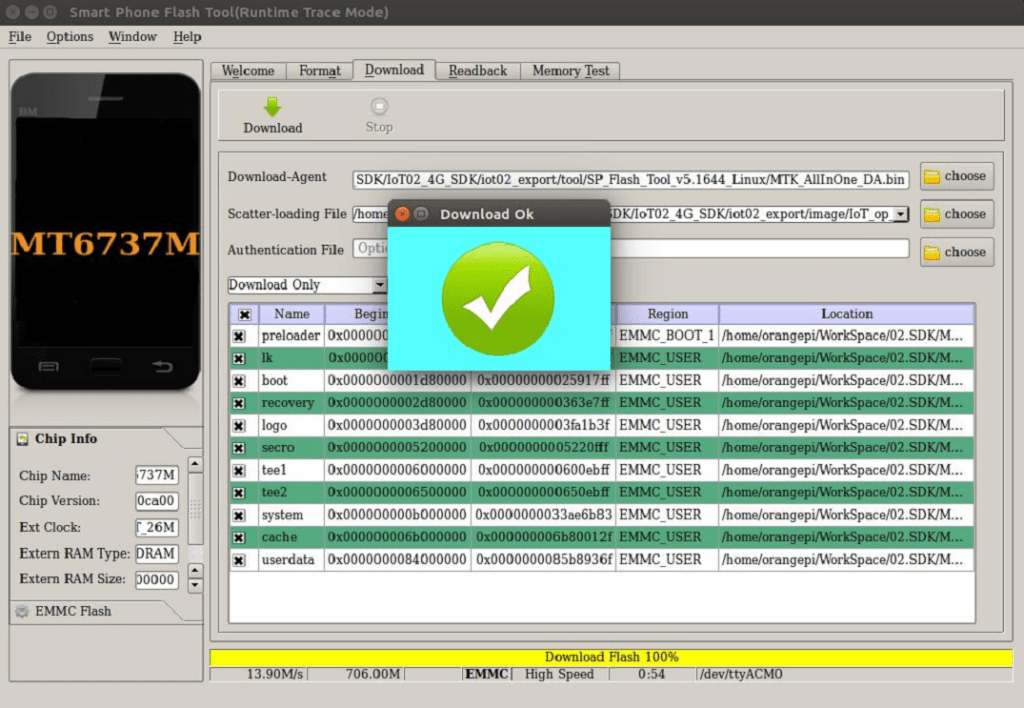
If you have obtained the correct DA file for the Tecno BD3 (or are using a generic DA that supports your chipset), follow this step‑by‑step guide to flash firmware.
: Bypassing the Google account lock after a manual factory reset. Unlocking Bootloaders : Gaining root access or installing custom ROMs. Repairing IMEI tecno bd3 da file
, you have likely encountered the term . For smartphone technicians and advanced Android enthusiasts, having access to the right Tecno BD3 DA file is the difference between a successfully repaired device and a permanently bricked phone. When an entry-level MediaTek (MTK) device like the Tecno Pop 5P Go to product viewer dialog for this item.
You can find the necessary files for the Tecno BD3 on the following platforms: Before initializing any software repair procedures on your
Browse to the folder where you saved your custom , select it, and click open.
Press and hold both the and Volume Down buttons simultaneously. Repairing IMEI , you have likely encountered the term
A small configuration index bundled inside the stock firmware folder that describes where partitions live on the physical flash memory. Step-by-Step Flashing Instructions
Android 10 (Go edition) or Android 11 (Go edition)